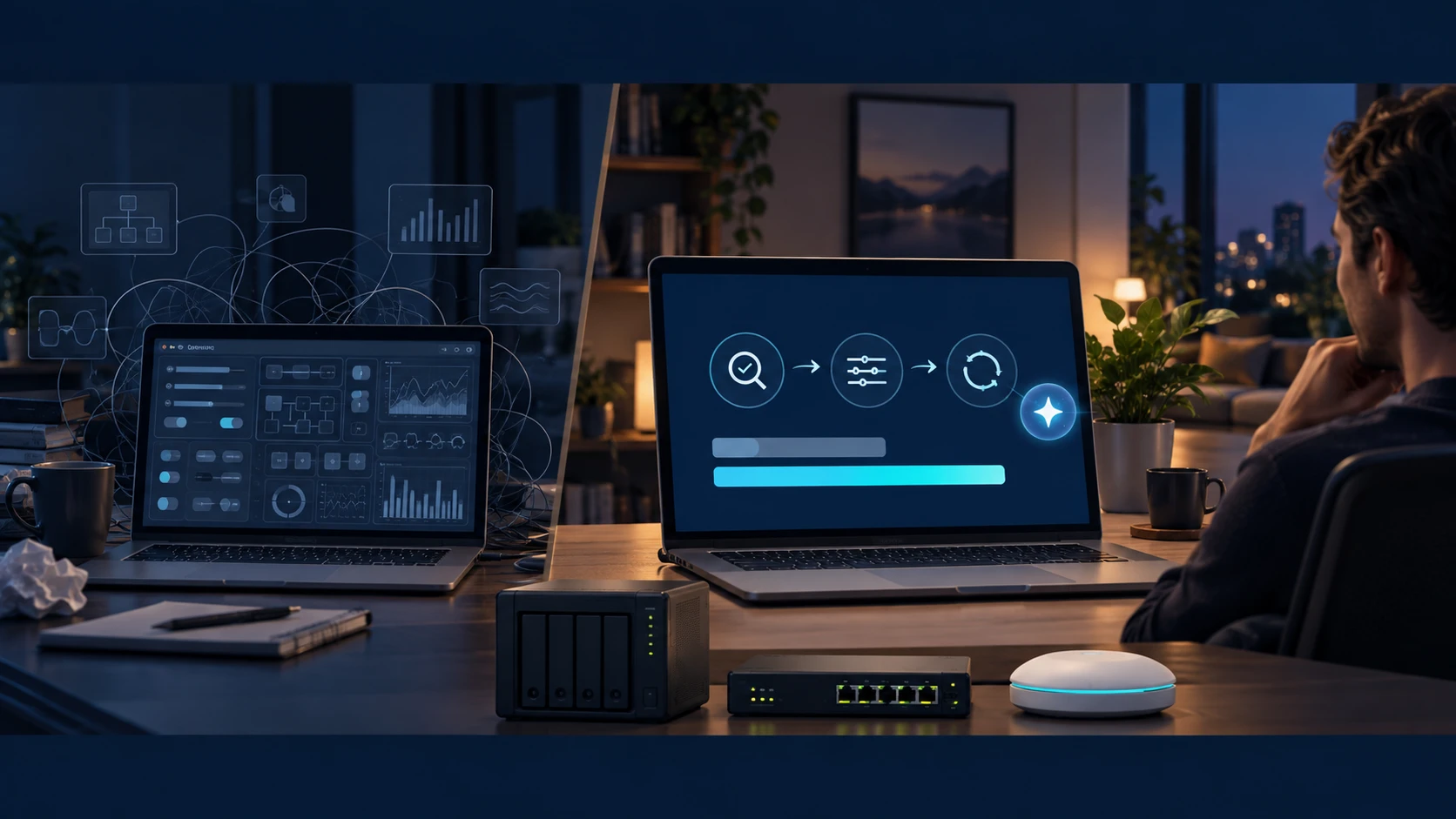
A router may offer many features, but the ones a person actually uses often stop at the limits of what they can configure. Hosting a website, assigning fixed local addresses and enabling remote access each require another encounter with management screens and networking terminology. Replacing the device can mean learning much of it again.
The issue is not simply whether a feature exists. It is the cost of learning and maintaining the equipment already purchased. UPMI explored that burden by running OpenWrt on a NAS and using an AI agent to carry work through from installation to verification.
Buying another device leaves work behind
A more capable router or an easier management service can be a sensible choice. Building a network yourself offers more control, but also leaves you responsible for address allocation, firewalls, service conflicts and failures after installation.
OpenWrt and NAS virtualization predate AI agents. The novelty here is not the idea of a software router. It is a workflow in which the user describes the operating requirements and an agent examines the actual equipment before translating those requirements into settings.
From storage device to household infrastructure
An OpenWrt virtual machine on the NAS handles routing, address allocation and firewall duties. A switch provides wired connections and an access point provides Wi-Fi. The NAS also runs a website, mail and a smart-home bridge, extending its role from file storage to a platform for household services and communications.
The agent used SSH to inspect NAS and OpenWrt settings and logs, install software, change configuration, start services and check connectivity. Instead of reading instructions and entering every step manually, the user set goals and constraints and reviewed what had actually been applied.
When resolving an address-allocation conflict, the checks covered the website, mail and IPTV as well as general internet access. Adjustments to the wireless access point’s channel and bandwidth also used its web management interface. Not everything ran through SSH, but the different management paths became part of one working process.
A lower operating barrier still leaves responsibility
Higher speeds were observed after wireless settings changed. Different loads and test conditions, however, mean the measurements are not a controlled comparison or a promise of a particular improvement. The more important result was the ability to carry configuration changes through to checks of the resulting connections.
Concentrating services on a NAS introduces a dependency: a NAS failure can affect internet access too. Configuration backups, a management access route and a way back to the previous setup are part of operating the system. Additional features such as Wake-on-LAN and VPN must also be distinguished from work already completed.
This is not an argument that everyone should abandon a conventional router. It shows that the uses of existing equipment need not be defined only by factory menus and the owner’s prior knowledge. An AI agent can lower the practical barrier to operating equipment as intended, rather than merely reduce the price of buying it.
Based on UPMI Lab’s published development and operating records. UPMI Lab and New Epoch Journal are both operated by UPMI Co., Ltd. This is an English translation of our Korean article.
AI assisted with drafting and editing. This article is part of our preview edition. Editorial standards & corrections →