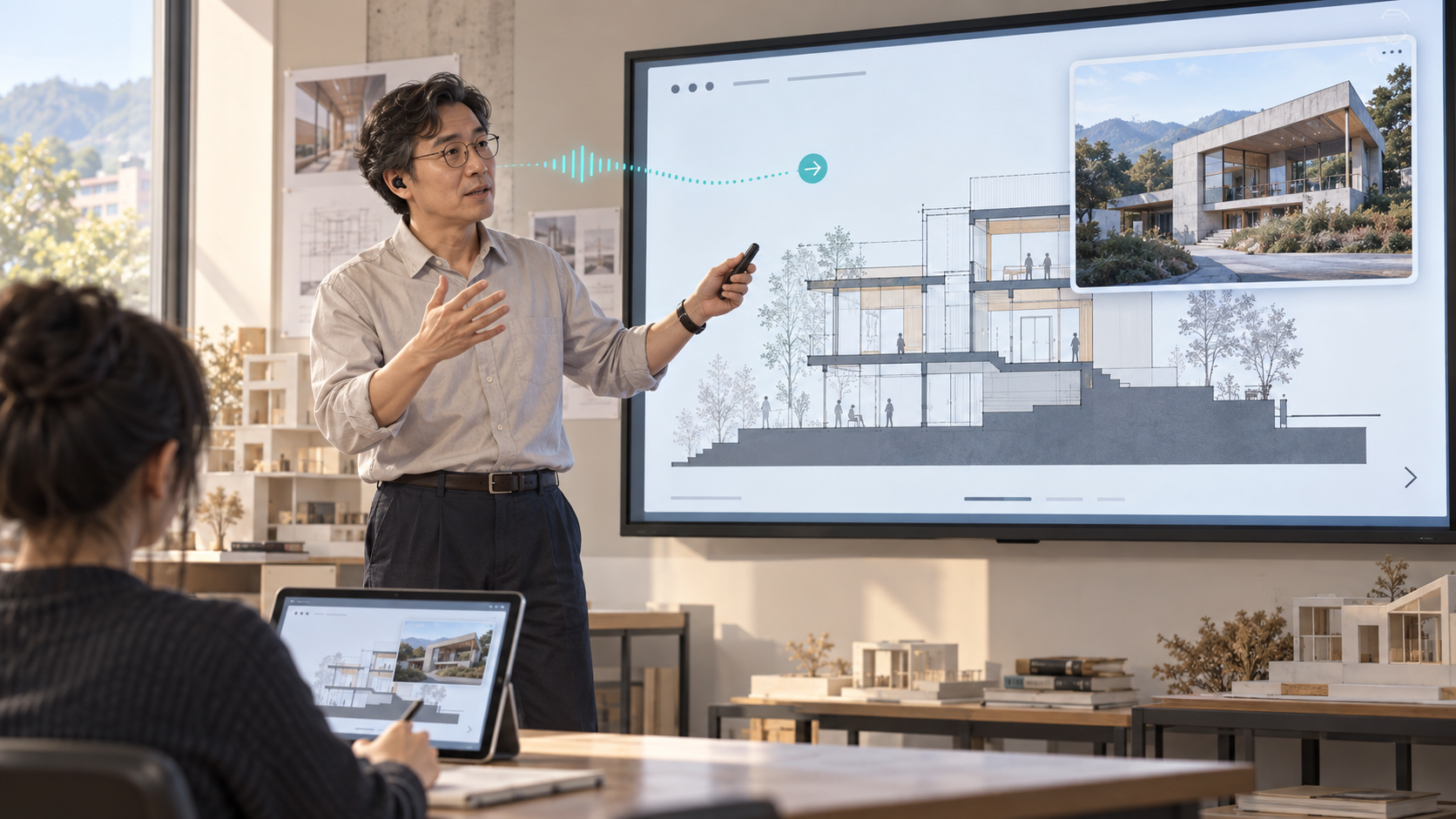
Everyone in a classroom hears the same explanation, but not everyone understands it at the same pace. A student looking up an unfamiliar term may miss what follows. An international student must interpret the language while learning the concept. By the time a question forms, the lecture may already have moved on.
Speaking more slowly or handing out notes cannot resolve every difference. One instructor addresses a group, while the help each student needs is individual. UPMI’s AI teaching assistant is an attempt to narrow that gap with tools built around the instructor’s own classroom needs.
Plenty of tools, but a fragmented lesson
Translation tools, digital whiteboards and chat services already exist. When an instructor must switch between them, connect each to the course and explain several interfaces to students, tools intended to help can interrupt concentration instead.
The same problem appears when an example comes to mind mid-lecture and the instructor wants to show a photograph, or needs to advance a slide without using their hands. What matters is not a long feature list but a continuous flow between explanation, material and student questions.
The instructor becomes a designer
The project used AI agents to build distinct instructor and student views. Slides and annotations are delivered to student devices in real time, while students use their own screens for translated captions and questions.
Captions go beyond direct transcription. A glossary helps correct specialist terms in Whisper’s recognition output, and a local model turns spoken phrasing into readable sentences. Processing also waits for speech that continues after a short pause. Completing an utterance must not become inventing words the instructor never said, so numbers, units and negation require checks.
Alongside Korean, the tool supports translation into English, Simplified Chinese, Japanese, Vietnamese, Burmese and Russian. Students choose the language they need and can ask an AI assistant about a point they missed. The assistant draws on course material made available to students and identifies the relevant material and page, allowing them to return to the source.
From a shared explanation to individual learning
Voice-controlled slide advancement was implemented in the initial presentation tool. Voice-triggered image pop-ups and connections to the integrated classroom view are at different stages; the entire feature set has not been validated together in one environment. Microphones recognized by a device, including AirPods, can be used, but classroom noise and simultaneous access still require testing.
Local models give the operator direct control over speech processing and translation. Speed and accuracy depend on hardware, models, language and classroom conditions. Captions offered for revision after class also need instructor review. This project has not statistically established an improvement in learning outcomes.
The significance is that an individual instructor built a support system around their own teaching. Instead of adapting a class to a finished product, they can adapt the tool to the class. This is less a story about replacing a teacher than about extending one teacher’s ability to respond to students who learn at different speeds.
Based on UPMI Lab’s published development and operating records. UPMI Lab and New Epoch Journal are both operated by UPMI Co., Ltd. This is an English translation of our Korean article.
AI assisted with drafting and editing. This article is part of our preview edition. Editorial standards & corrections →